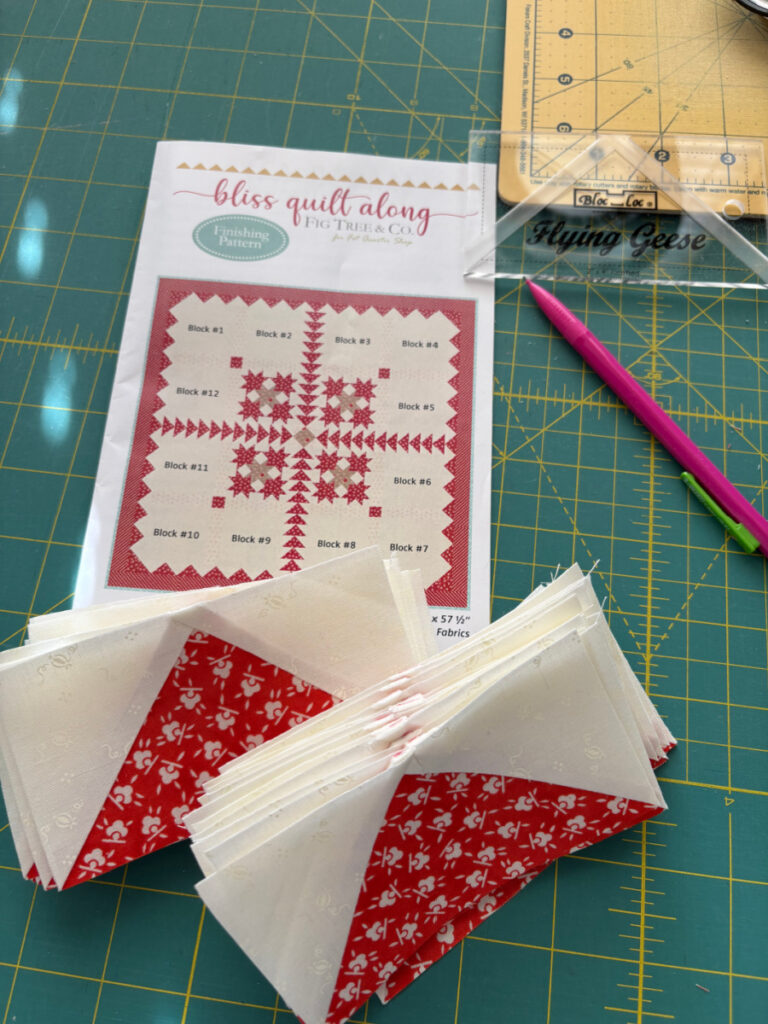
I don’t have much to share today, just 44 flying geese.
These particular geese are meant for the setting of the Bliss Quilt. I have 48 more to make for the border and a ton more for the center medallion. The ones for the center are for a very odd size.
1 3/4 x 3″. I need a special trim tool for those, I think.
I did make Block #7 for the quilt, but I don’t care for the color placement at all.
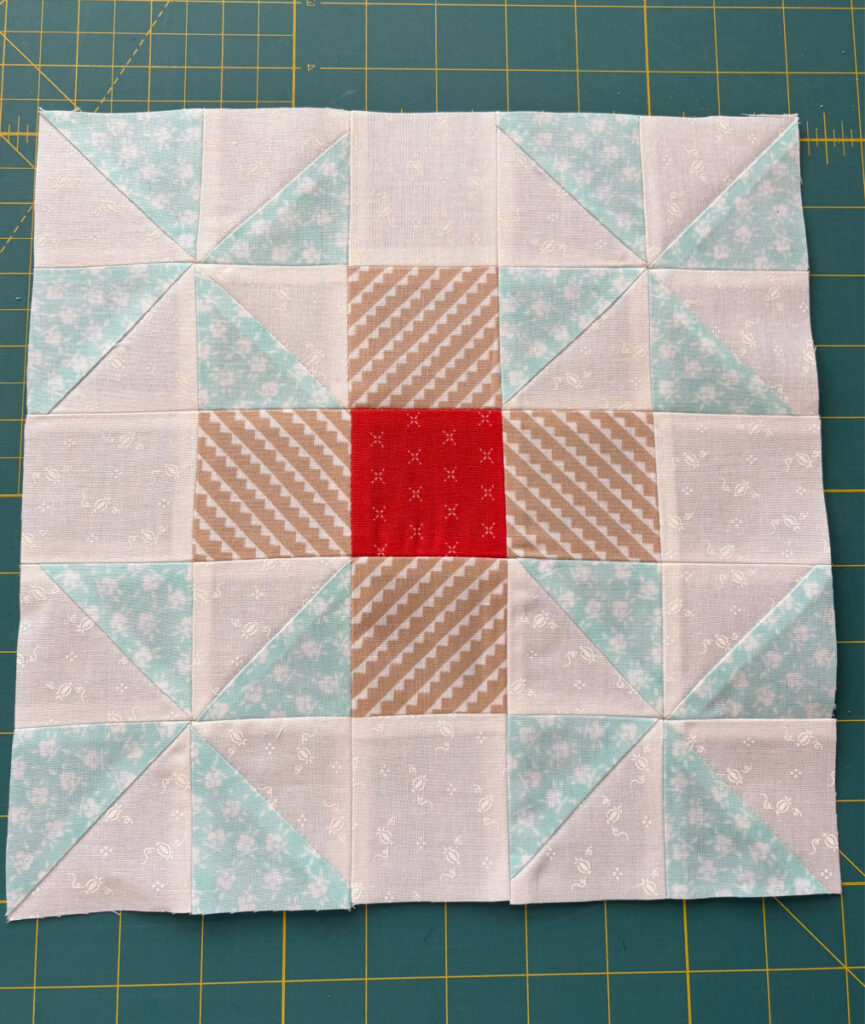
I mean, really. This block falls squarely into the “what’s the point” category. I followed the fabric suggestions on the pattern, but meh. This block will be getting a re-do with some green and yellow. That aqua is so insipid, it doesn’t show up at all. This is a good lesson on how important color placement is. Stay tuned until tomorrow for a comparison with a better block.
Our rain is back, so it will be a good day to stay inside and make more flying geese as well!


7 Responses
You are right – the aqua color just disappears. I look forward to seeing your adjustment. Ho.w do you do your flying geese – stitch and flip, four at a time, paper piecing, etc.? I have tried the paper piecing process but it took too long.
Hi Rebecca. I use the four at a time flying geese method, which results in four slightly oversized FG units. I then use my BlocLoc trim tool to trim them down to the exact size needed.
That block has to go, one way or another! A different set of pinwheels would be my suggestion or maybe a complete re-do! That’s a lotta’ geese!! 🪿🪿🪿🪿🪿🪿🪿
I love the red in the geese! where are you going to find a tool to trim that odd size of 1 3/4 x 3″? you’ll have to let us all know.
I’m going to be the lone voice to say I like the aqua pinwheels. sorry, but I do. the center needs to be a darker blue and then it would look lovely.
has anyone checked in on Vicki? Is she snowed in somewhere without internet?
I think studio180 makes wing clipper 2 for 1/4 and 3/4 flying geese
The aqua might look better once the wadding/batting is behind it to give more contrast. 44 flying geese! Wow – that’s a lot!
I love Studio 180 tools! I have the Wing Clipper 2 as well. On the Studio 180 website, you can download “no nudge” cutting sizes so you can put the squares directly into the corners without eyeballing the little gap in the original instructions. You will get more consistent results.